A glucose spike with no explanation is one of the most frustrating things on a diabetes chart. DiaFitus has a small feature built for exactly that moment: when your glucose climbs fast and no meal is logged, the app asks one simple question, "Did you eat?" One tap later, the spike on your chart has a reason next to it.
Key takeaways
- When glucose rises quickly and nothing is logged, DiaFitus sends a "Did you eat?" notification so you can log the meal in one tap.
- The default trigger is a rise of 54 mg/dL in 15 minutes, and you can change the sensitivity in Settings.
- Answer "No" and the app stays quiet for 3 hours. Sometimes the cause is not food at all.
- It is a logging helper, not an alarm. Keep the urgent alarms in your CGM app switched on.
Why unexplained spikes are a problem
A glucose chart is only useful if you can read the story behind it. The U.S. National Institute of Diabetes and Digestive and Kidney Diseases (NIDDK) notes that seeing glucose in real time can help people make more informed decisions about food, physical activity and medicines. That only works when the chart also shows what you ate and did.
The trouble is that logging is easy to forget. A snack at your desk, a coffee with a pastry, a second helping at dinner. Two days later you look back, see a sharp rise, and have no idea what caused it. Multiply that by a few weeks and the chart turns into a line of mystery bumps.
How the "Did you eat?" question works
DiaFitus reads your glucose from a connected FreeStyle Libre or Dexcom sensor or from Apple Health. If it sees a fast rise and you have not logged a meal, it sends a notification that shows how much your glucose jumped and where it is now, then asks whether you ate or drank something.
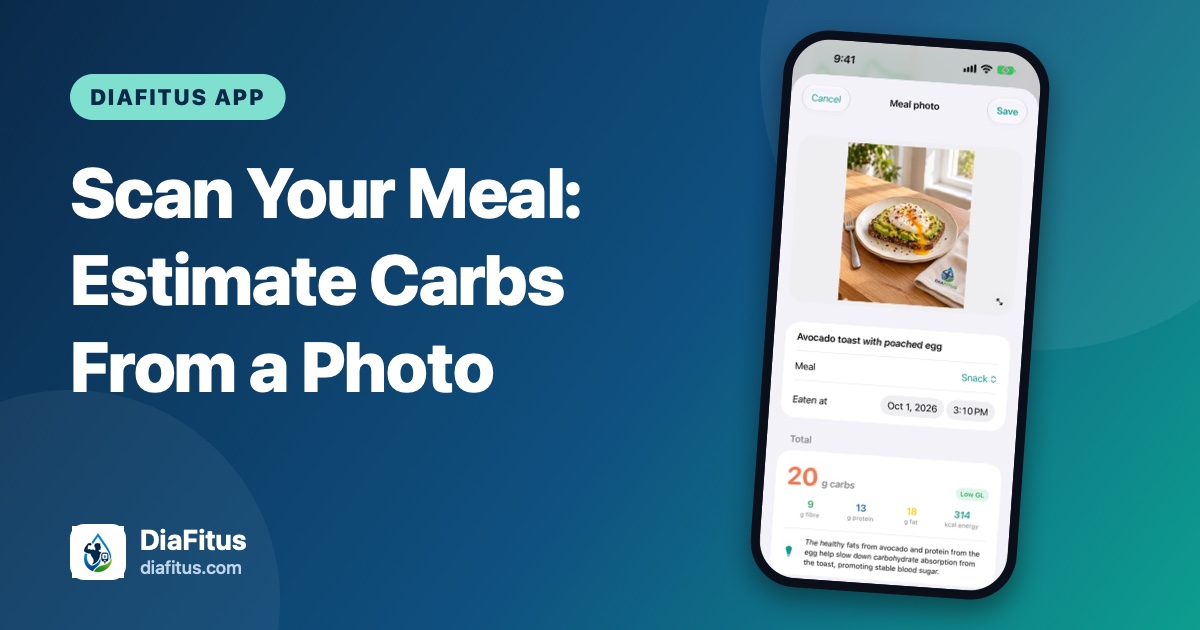
- Yes, log my meal: one tap takes you straight to logging, including the AI food scanner if you want to estimate carbs from a photo.
- No, I didn't eat: the app stays quiet for 3 hours, so it never nags.
By default, the question is triggered by a rise of 54 mg/dL within 15 minutes. If that is too sensitive or not sensitive enough for you, adjust it under Settings, Glucose alerts. In the same place you can set your own low and high alert limits.
When the answer is "No"
Food is the most common reason for a quick rise, but it is far from the only one. The American Diabetes Association (ADA) lists several causes of high blood glucose, including eating more or exercising less than planned, stress from an illness such as a cold or flu, other kinds of stress, and the dawn phenomenon, an early-morning surge of hormones.
The CDC adds some less obvious triggers, such as losing sleep, dehydration, coffee (even without sweetener, for some people) and sunburn. It also points out that individual responses vary.
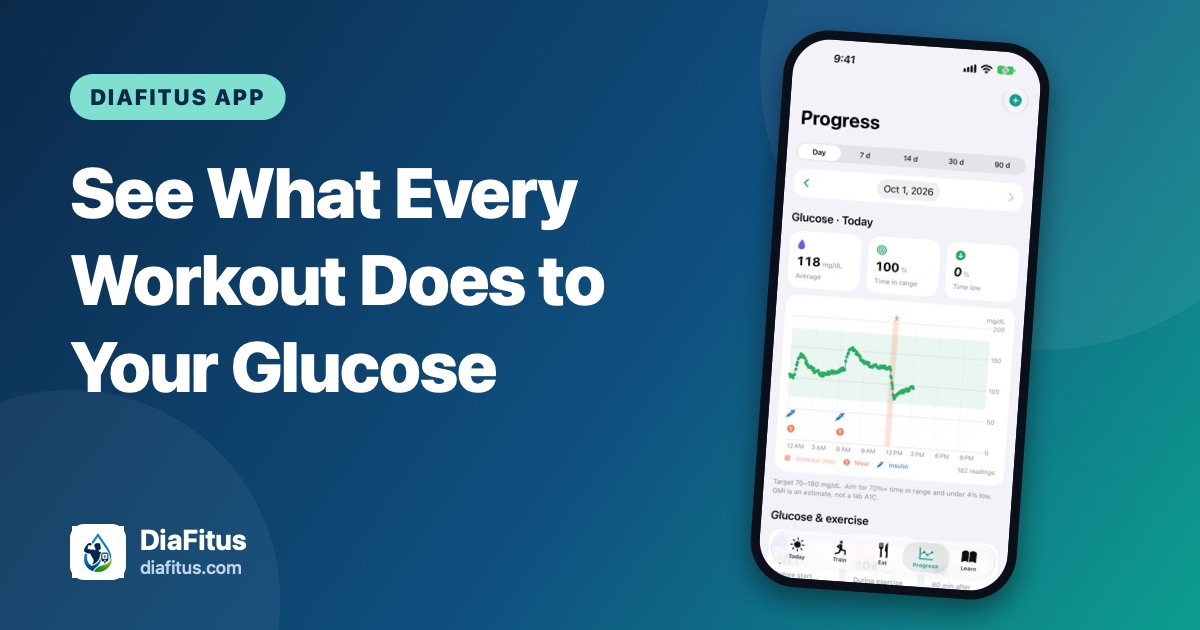
Exercise can do it too. Most workouts lower glucose, but the ADA explains that heavy weightlifting, sprints and competitive sports can raise it, because adrenaline prompts the liver to release glucose. If your "No" comes right after a hard session, that may be why. You can see this pattern for yourself in the glucose and exercise view.
A "No" is still useful information. A spike with no meal behind it is worth a moment of thought: Did I sleep badly? Am I getting sick? Was that workout intense? If you notice the same unexplained pattern again and again, bring it to your doctor or diabetes care team.
What you get out of it
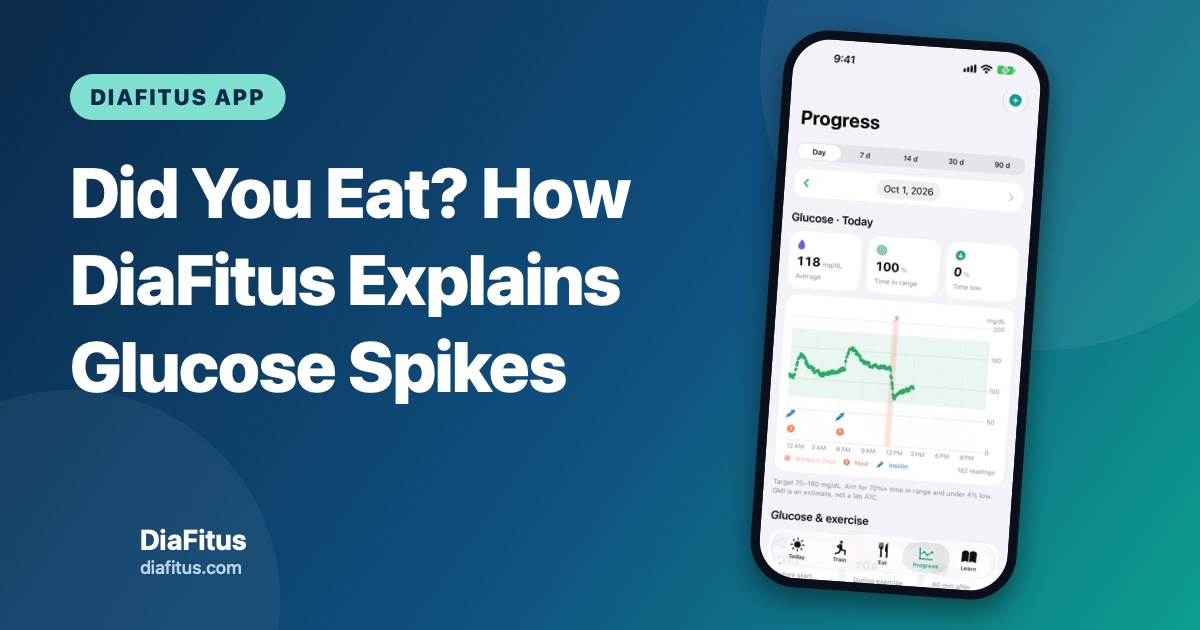
Over time, the small habit of answering one question builds a chart you can learn from. Meals appear as markers next to workouts and insulin, so you can see which breakfasts are gentle on your glucose and which ones are not, and how a short walk after eating changes the curve.
For context, NIDDK says many people with diabetes aim for less than 180 mg/dL about two hours after a meal starts, and a target range of 70 to 180 mg/dL. Your own targets may be different, so use the ones your care team gave you.
What this feature is not
The spike question is a logging helper. It is not a medical alarm and it does not tell you how to treat a high reading or how much insulin to take. Those decisions belong to you and your care team.
- It needs data. The question only works with glucose readings from a sensor or Apple Health.
- It may be delayed. iOS decides how often apps refresh in the background, so a notification can arrive late or not at all.
- Keep your CGM alarms on. The urgent low and high alarms in your Libre or Dexcom app are the ones to rely on for safety.
- High and staying high is different. If your glucose stays high or you feel unwell, follow your care team's plan. Our sick day guide covers the basics, including when ketone checks matter.
DiaFitus is not affiliated with Abbott, Dexcom or Apple, and it is not a medical device.
How to turn it on
- Connect your sensor or Apple Health so DiaFitus can read your glucose.
- Allow notifications for DiaFitus on your iPhone.
- Open Settings, then Glucose alerts, and choose the spike sensitivity and your low and high limits.
- Next time your glucose jumps, answer honestly. "No" is as helpful as "Yes".
A chart full of question marks teaches you very little. A chart where every spike has an explanation gives you and your care team something real to work with. You can see the other things the app handles on the DiaFitus features page.