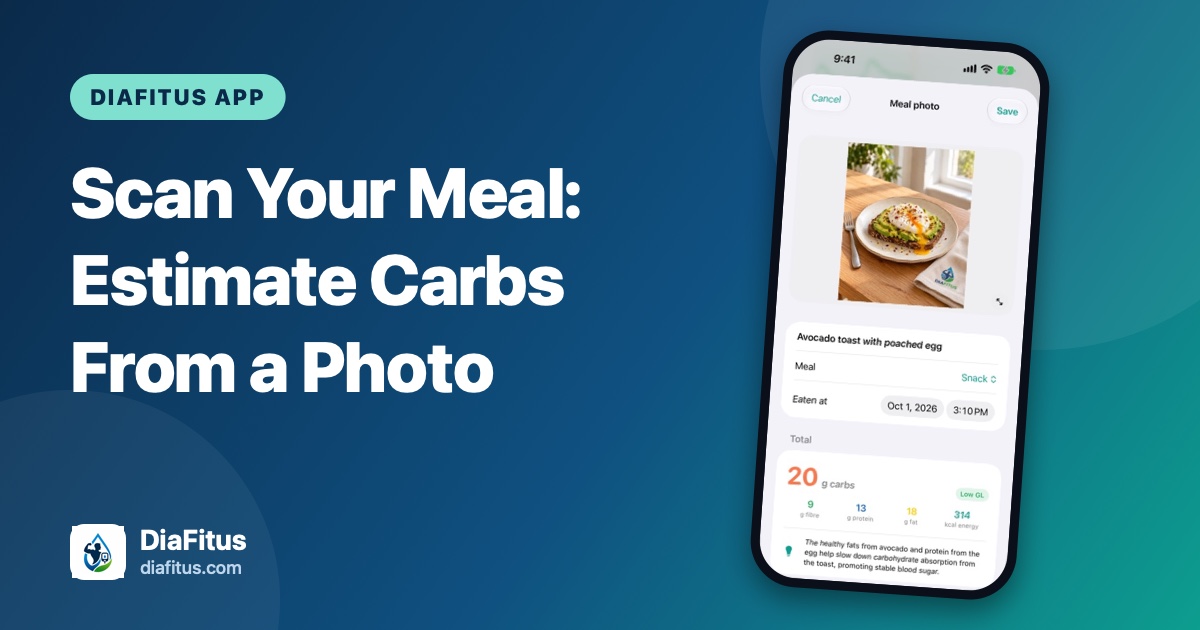
Counting carbs is one of the most useful, and most tedious, habits in diabetes care. The DiaFitus AI food scanner gives you a fast starting estimate from a photo of your meal or a nutrition label, which you can then check and edit before saving.
Key takeaways
- You can photograph a meal or a nutrition label and get an estimate of carbs, fibre, protein, fat and calories.
- Every number is editable before you save it, because a photo estimate is a starting point, not a measurement.
- Entries are saved to your food diary and Apple Health, so you can see meals alongside glucose.
Why a quick estimate helps
Many people with diabetes look at carbohydrate intake when planning meals, and the details vary a lot from person to person. When you are at a restaurant or a friend's table, there is rarely a label to read. A rough estimate you actually log is often more useful than a perfect one you skip.
If you do have packaging in hand, our guide on reading a food label with diabetes covers the numbers worth checking first.
How the scanner works
In the Eat tab, you point your iPhone camera at a plate of food or at a nutrition label. The app returns an estimate of carbs, fibre, protein, fat and calories for the meal, shown on a summary card with a short note about the meal.
- Take the photo. Use good light and keep the whole plate in the frame.
- Review the estimate. Check the food name, meal type and time eaten.
- Edit anything that looks off. If you know the portion was bigger, change the numbers.
- Save. The meal goes into today's food diary and into Apple Health.
Tips for better estimates
- Photograph food before you start eating, from slightly above.
- Separate foods on the plate when you can, so each one is easy to see.
- Sauces, dressings and drinks are easy to miss. Add them manually if they are not obvious.
- For packaged food, scan the label instead and adjust for the portion you really ate.
An estimate is not a measurement
Portion size, hidden ingredients and cooking methods all affect real carbohydrate content. Treat the scanner like a helpful assistant that gets you close, then use your own knowledge of the meal. DiaFitus does not diagnose or treat diabetes, and it is not a substitute for your care team. Questions about how many carbs are right for you, or about medication timing with meals, belong with your doctor or diabetes educator.
Seeing the bigger picture
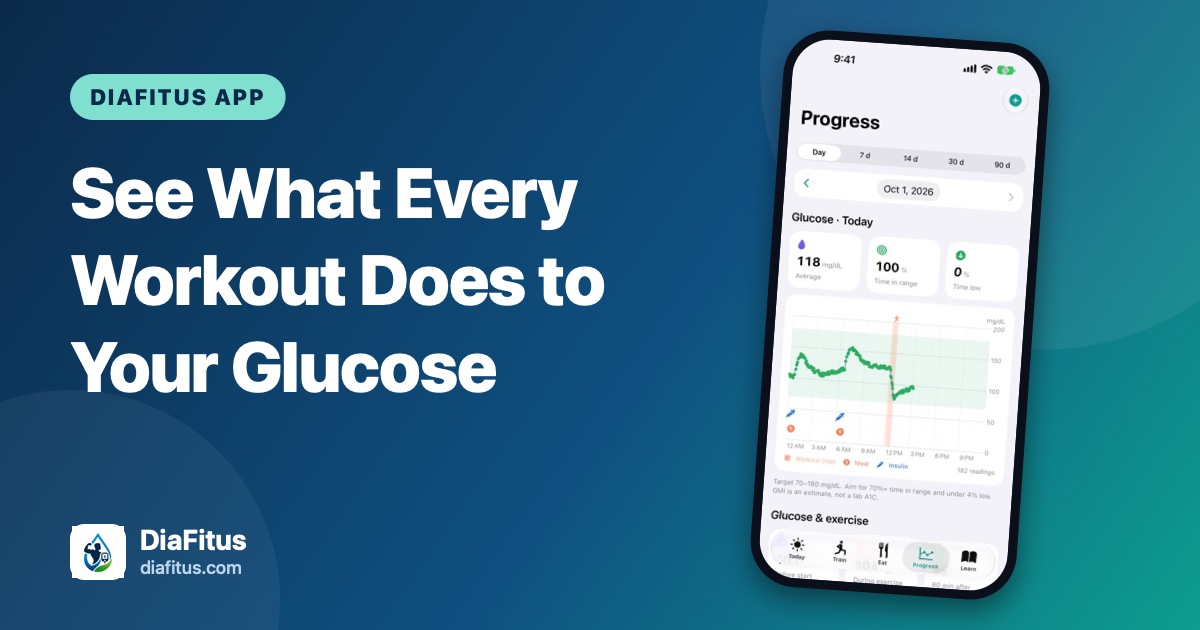
Logged meals become more useful when you can compare them with glucose. In Progress, you can look at daily averages and the glucose rise after meals, which may help you spot patterns to discuss at your next appointment. Fibre can also change how a meal feels, and we explain why in Fiber and Blood Sugar: Why It Matters.
You can explore everything the app does in the DiaFitus features overview, and reach us any time through support.