Exercise usually lowers glucose, but how much depends on you: the type of workout, your medication, your last meal and even how stressed you are. The most useful answer is not a general rule, it is your own data. This post explains how to look at what a workout does to your glucose, and how DiaFitus puts that picture in one place.
Key takeaways
- Two people can do the same workout and see very different glucose responses.
- Looking at glucose from before a workout to several hours after it shows patterns a single reading misses.
- Meals, insulin and workouts on the same chart make cause and effect easier to spot.
- Patterns are a conversation starter for your diabetes care team, not a reason to change medication on your own.
Why one reading is not enough
A finger-stick or sensor value before a workout tells you where you start. It does not tell you where you are heading. Glucose can fall during exercise, keep falling for hours afterwards, or rise briefly during hard efforts such as sprints or heavy lifting.
Many people with diabetes know that lows can show up later, sometimes hours after the session, especially if they use insulin or a sulfonylurea. Seeing the whole window, not only the start and end, is what makes patterns visible.
What to look at around a workout
- The start: where your glucose was and which way it was moving.
- The end: how far it moved during the session.
- The lowest point: how low it went and when.
- The hours afterwards: whether it drifted down again later.
- The context: what you ate beforehand and any insulin taken.
After a few weeks of notes you may notice, for example, that walking after dinner behaves differently from an evening strength session. That is useful to bring to your appointments.
How DiaFitus shows it
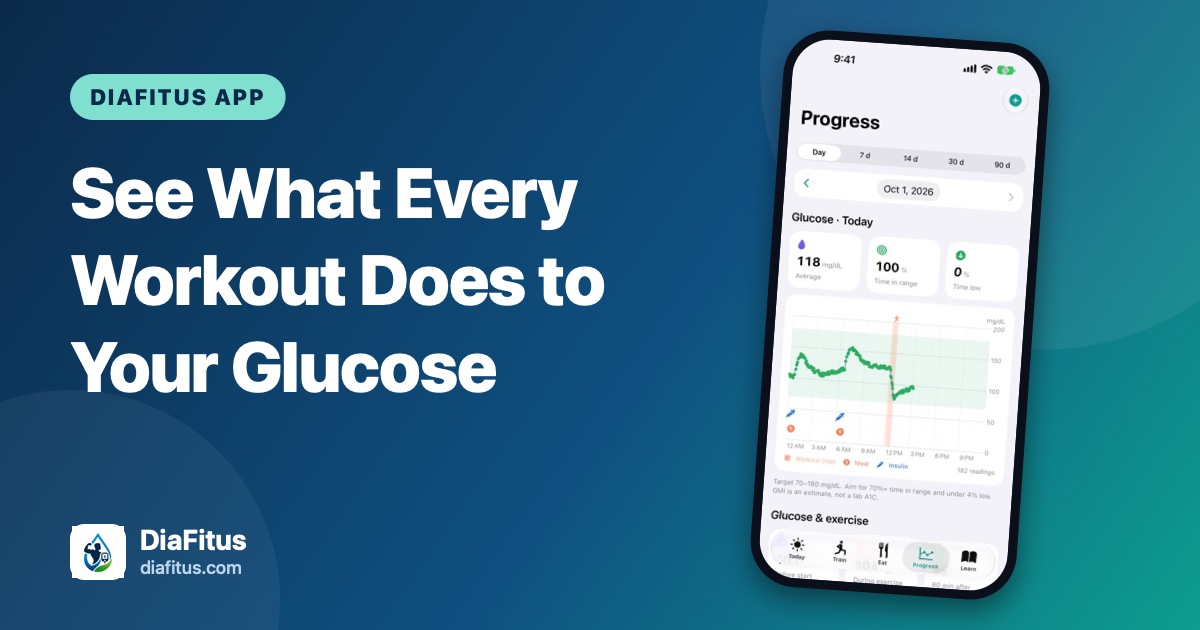
In the Progress tab, your glucose chart combines manual logs, Apple Health readings (including sensors that write to Health) and FreeStyle Libre data. Workouts are shaded on the chart, with meals and insulin as markers, so you can see what happened around them.
Tap a workout to open its glucose view, from one hour before to four hours after. You see the value at the start, at the end and the lowest point, plus a warning when glucose dipped late. Progress also shows your average, time in range and an estimated A1C (GMI), which is an estimate and not a lab result.
Before and after the session
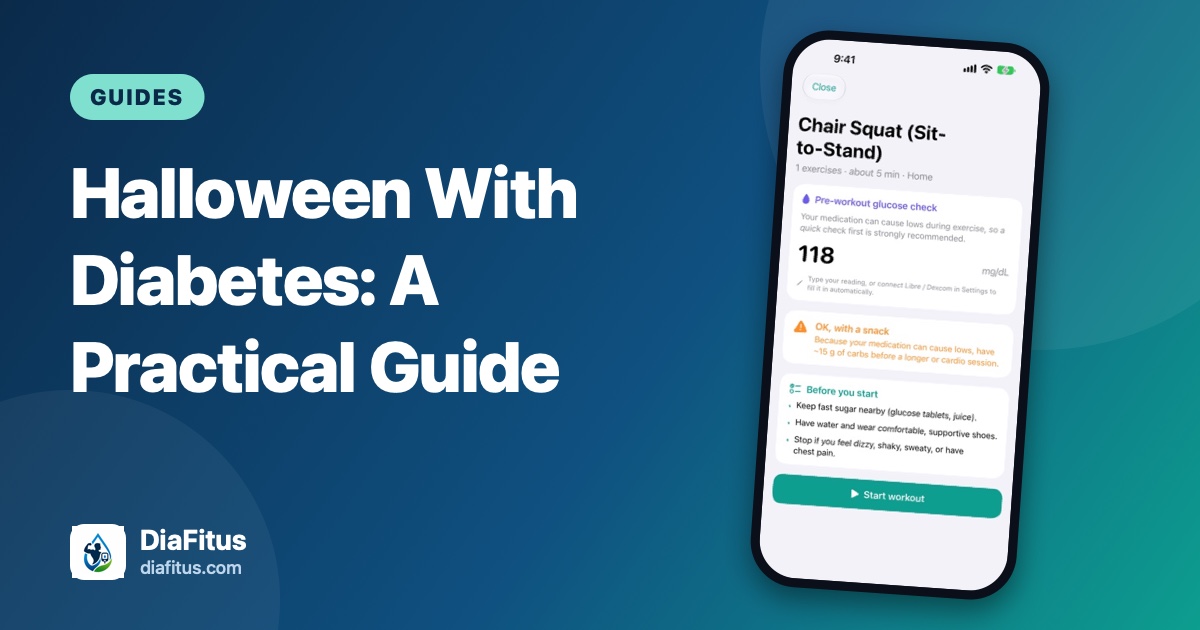
The same loop starts before you train. The workout player asks for a glucose check first, using your medication to give plain-language guidance: go ahead, have a snack first, or wait. After you finish, you can enter a post-workout reading and rate your effort. If you are at risk of lows, DiaFitus can remind you about two hours later to check again.
These are general fitness prompts. They do not replace your own judgment, your sensor alarms or your care team's advice.
Making the patterns useful
- Log or sync glucose consistently, at least before and after workouts.
- Note meals and insulin so the chart has context.
- Review a week or two of workouts of the same type together.
- Bring what you notice to your doctor or diabetes educator, who can advise on any adjustments.
If you have never exercised with diabetes, our guide on why moving matters so much is a good place to start, and our CGM basics post explains what a sensor can and cannot tell you.
A note on safety
DiaFitus is not a medical device. It does not diagnose or treat diabetes and does not replace CGM alarms or professional care. If you feel unwell, shaky or confused, treat a possible low according to your care plan and seek help when needed.